 Ask Gio Studyhelp
Learning gets fun once you understand what you’re reading.
Whether you’re at primary school, secondary school, college or university, whether you have dyslexia, are learning English or just have a lot to read, Ask Gio Studyhelp explains every word and every text at your level, in your language.
Free in 2026 · no password · works on any phone, tablet and computer
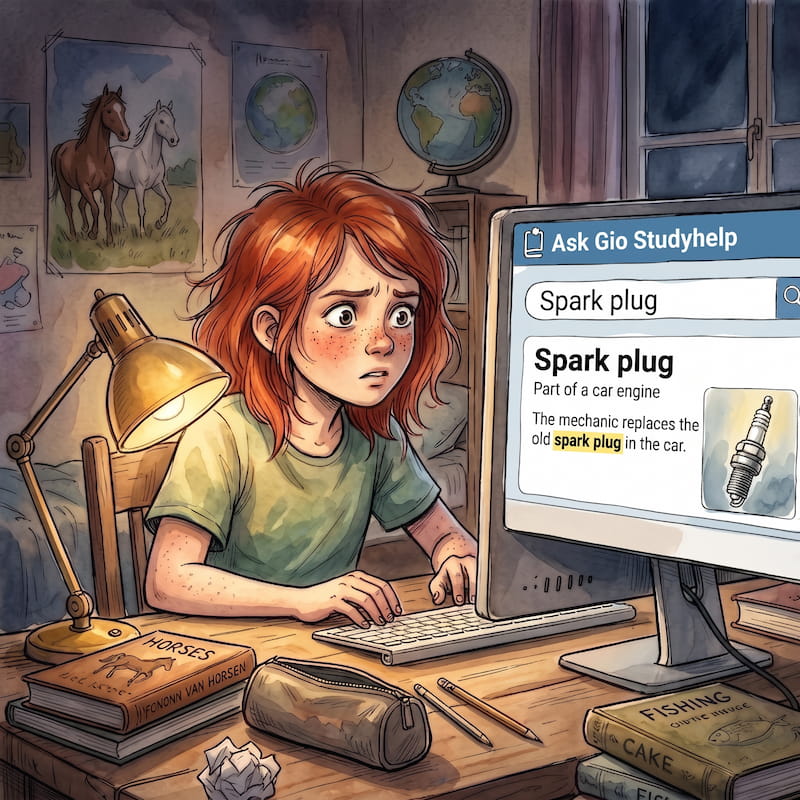

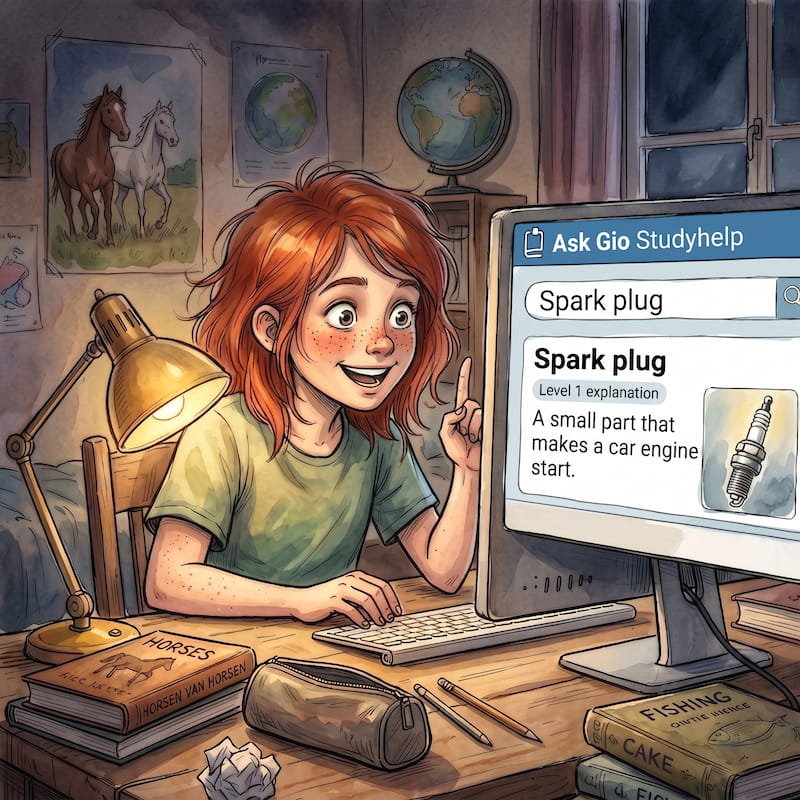

WHO IT’S FOR
Everyone learns differently.
Adjust Ask Gio Studyhelp to your level and interests.
You set it up once the way you like it. After that, every explanation comes out exactly that way.

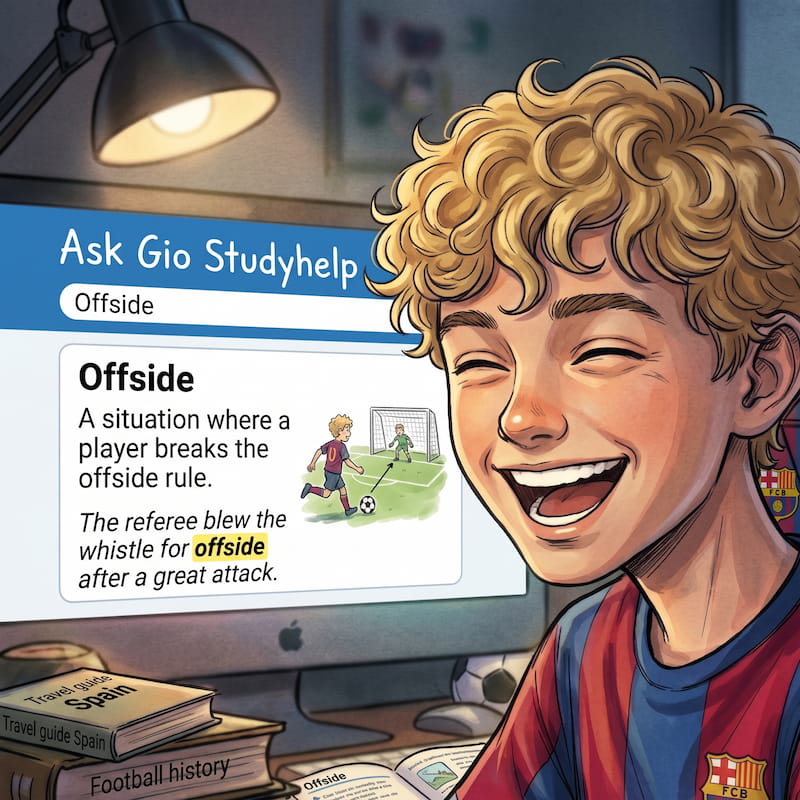
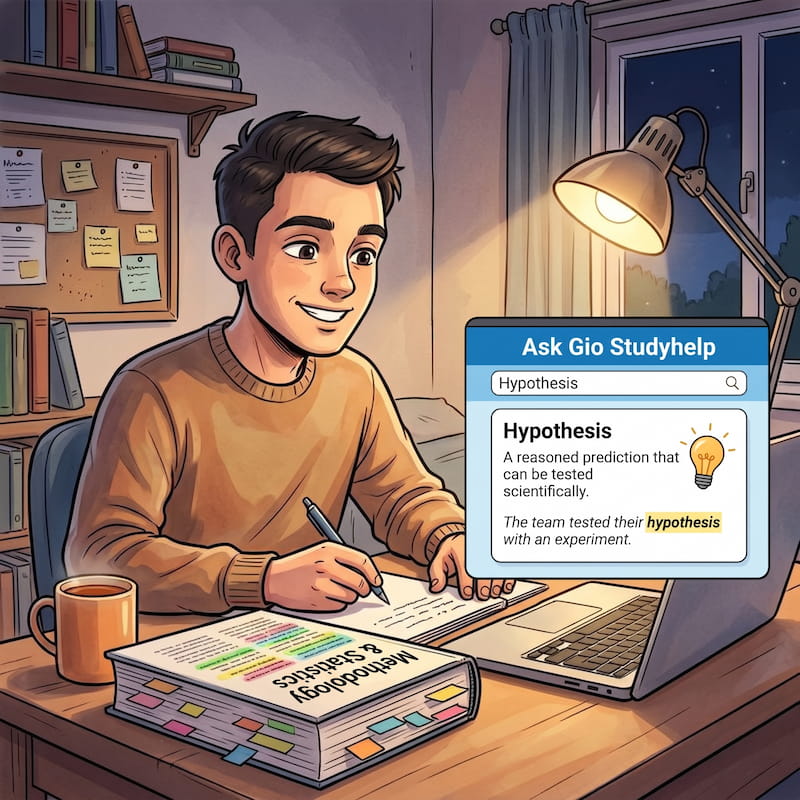
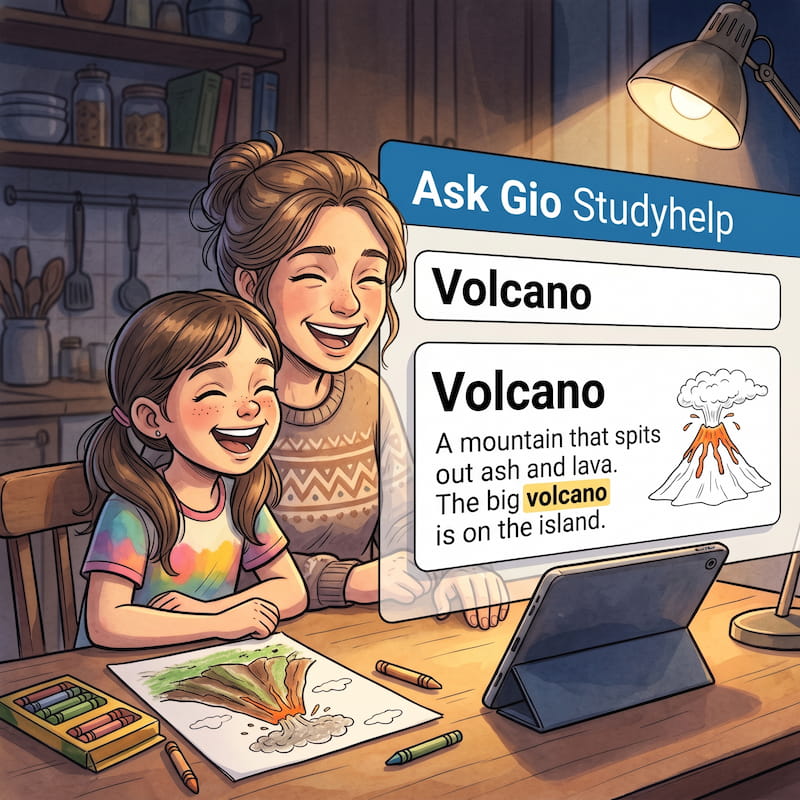

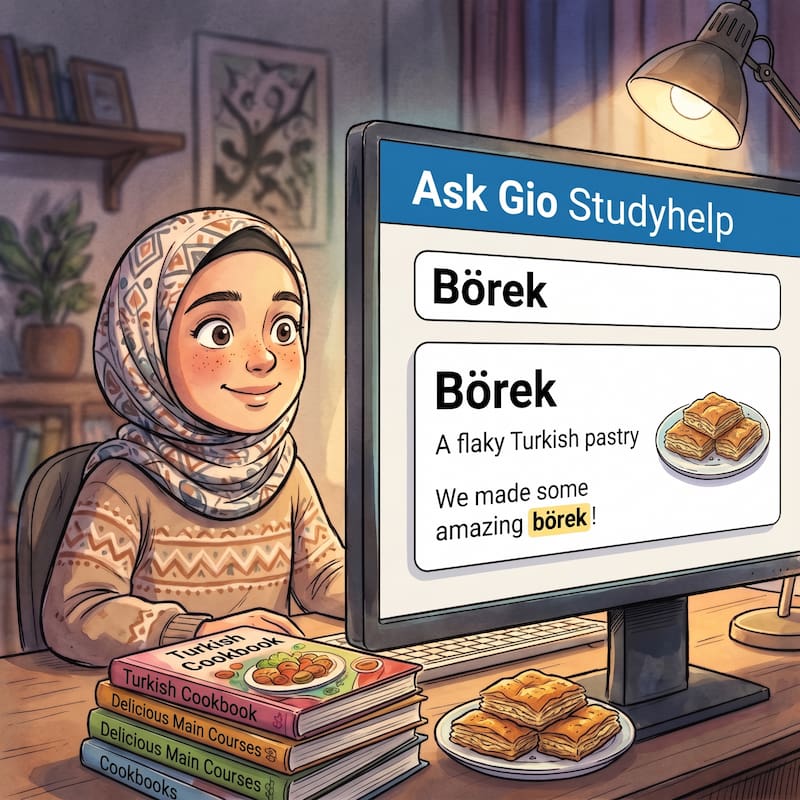
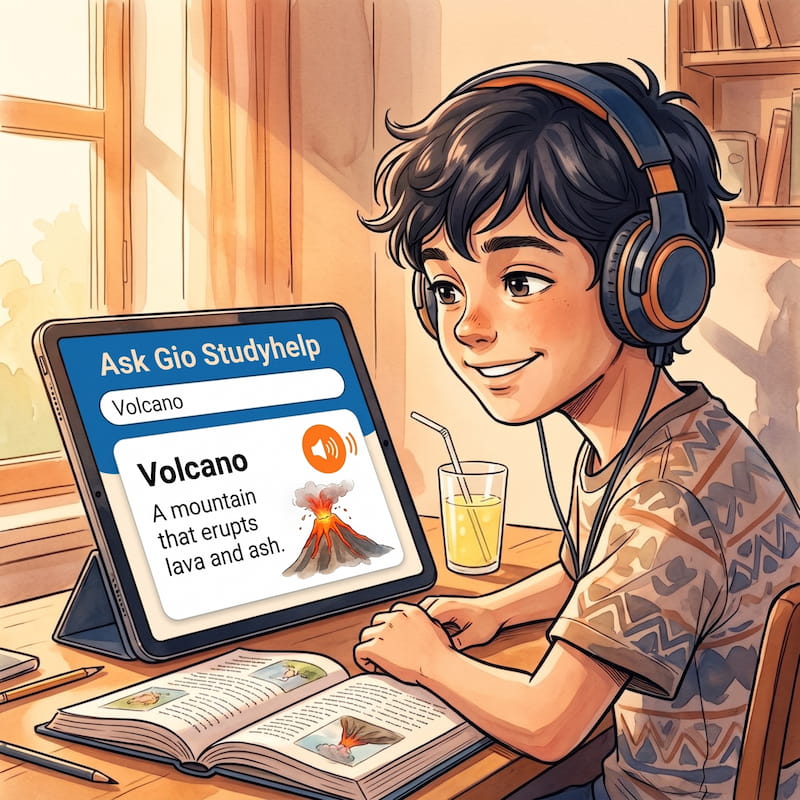
SOUND FAMILIAR?
Your body often notices before you do
In yourself, your child or a friend. After fifteen minutes of reading it starts: yawning, staring, headaches. It isn’t laziness, and it isn’t unwillingness either. It’s a sign that something somewhere hasn’t quite ‘clicked’.

Usually one of these three causes is behind it
Getting sidetracked while looking things up? Not any more.
You wanted to know one word. Half an hour later you’re somewhere else entirely. That’s not your fault. That’s just how looking things up works when there are lots of distractions.

HOW IT GOES NOW
You look up a word. In a dictionary, or you ask a chatbot.
The explanation contains words you don’t know either. So you look those up too.
You click through. And again. Seven tabs later you’re reading something completely different.
You’ve lost track of what you were doing. And your chapter is still waiting.

WITH ASK GIO STUDYHELP
You ask, at your level. You only had to set that up once.
The explanation uses your level. So no new gaps appear.
Still don’t get it? Ask again. Add a comparison or a picture. With one button.
Back to your book. Usually within a minute. You’ll find the word again in your history.
THIS IS THE WHOLE TRICK
You decide the level of the explanation
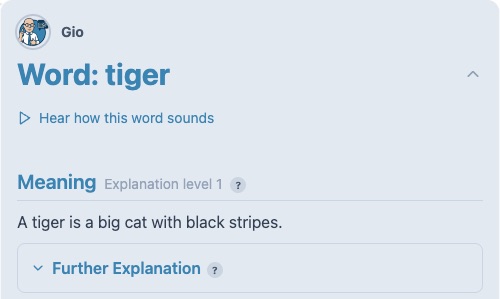
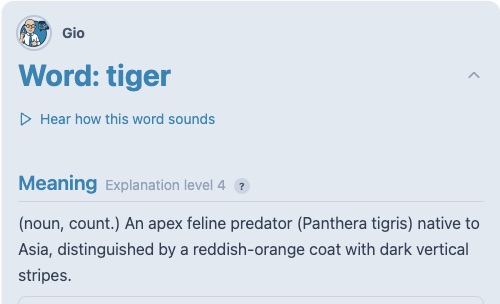
You get explanations that only use words at your level, so you’ll rarely end up with something new to look up. One click, in the middle of your work, and the explanation becomes simpler or goes deeper.
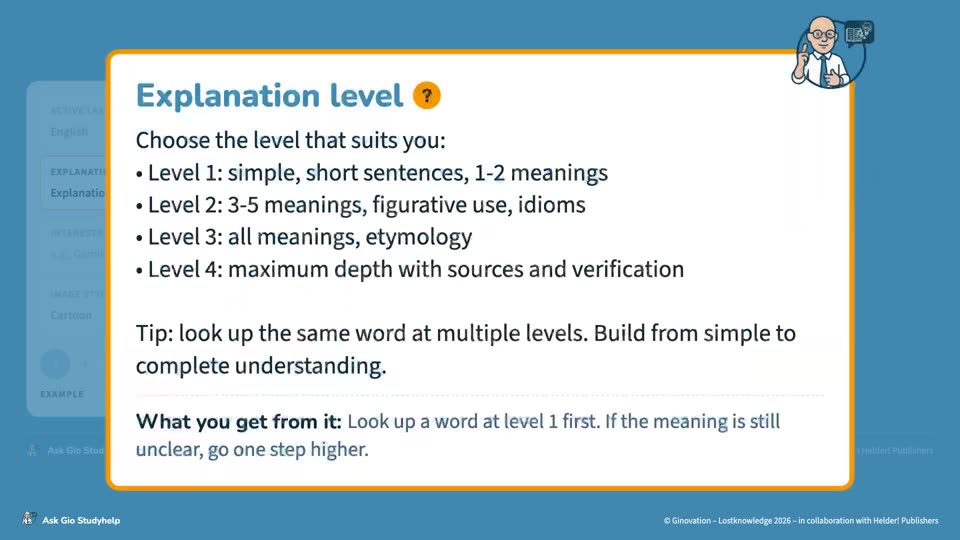
Explanation level. Choose how deep the explanation goes, from 1 to 4.
LEVEL 1
LEVEL 4
What else is inside
Everything in one place. Tap a card and you’ll see it happen in a few seconds.
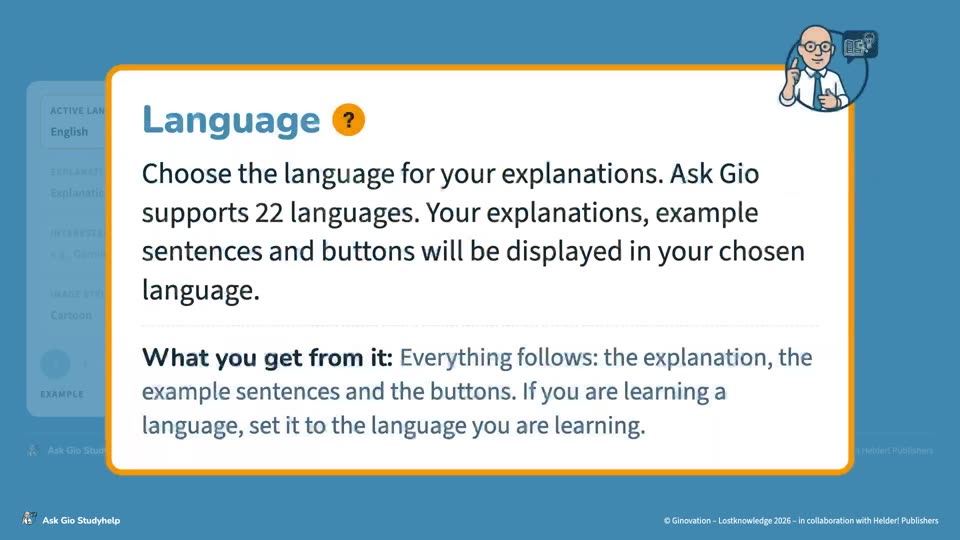
22 languages
Set the whole app to your language. Ten languages are fully worked out, with a guided tour and a manual.
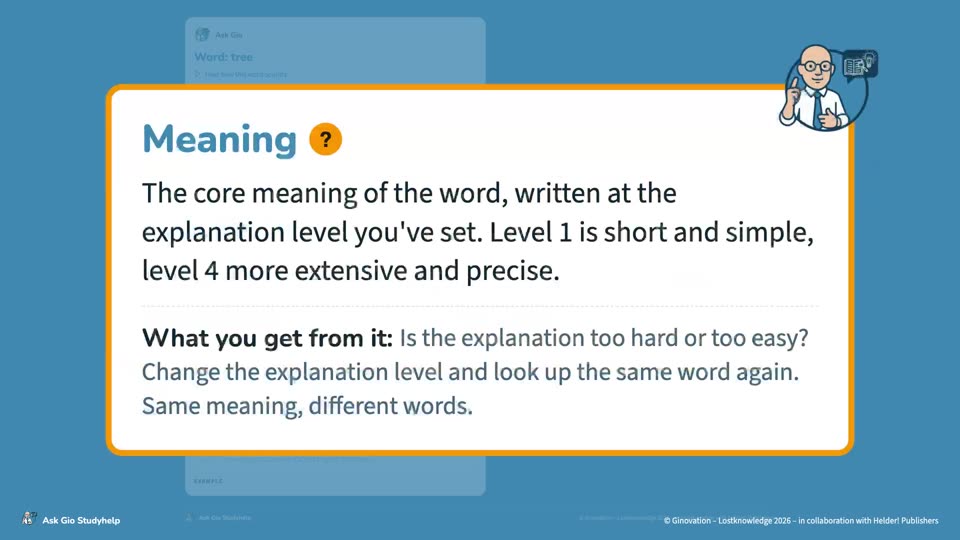
Words really explained
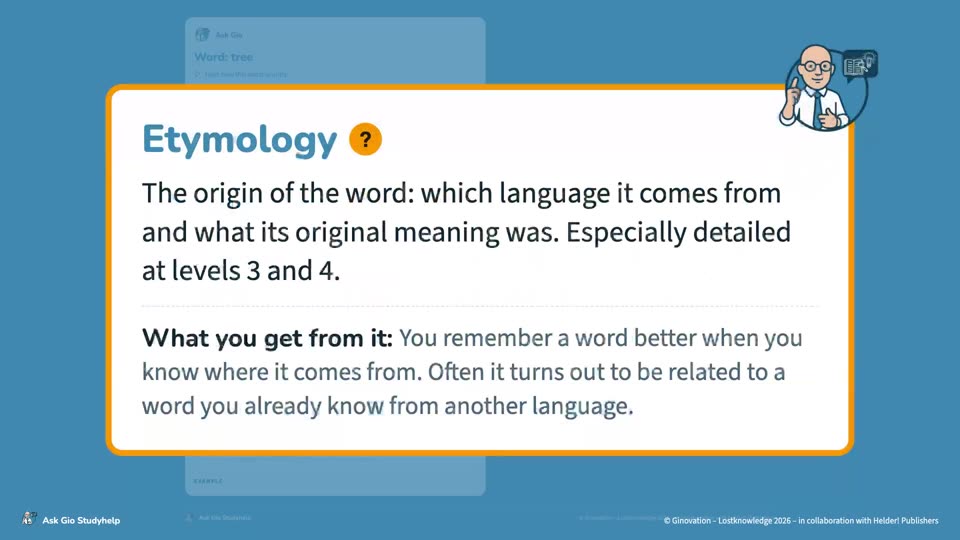
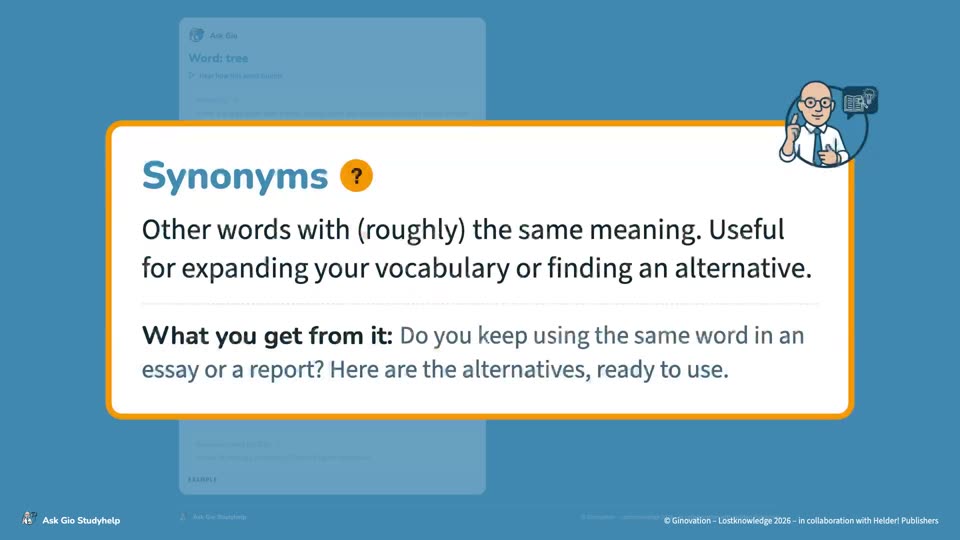
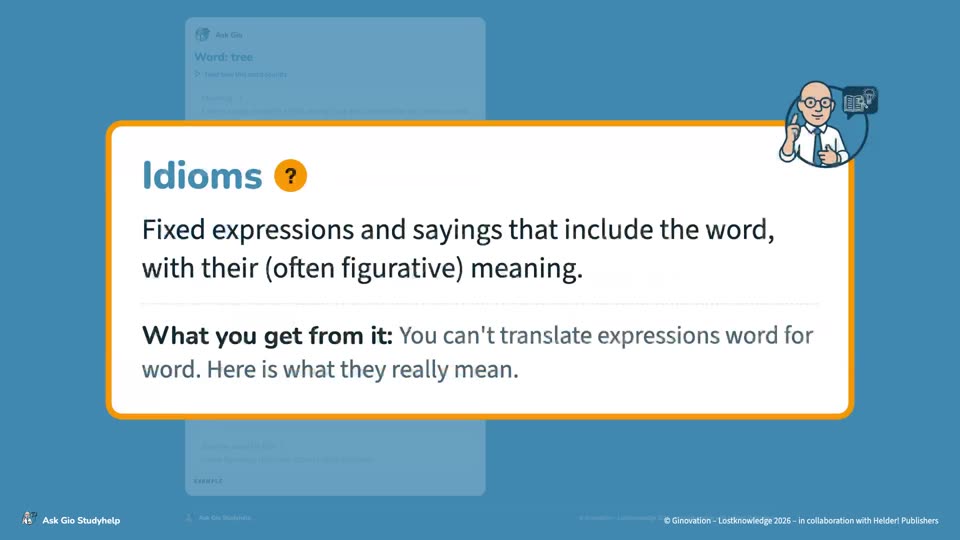
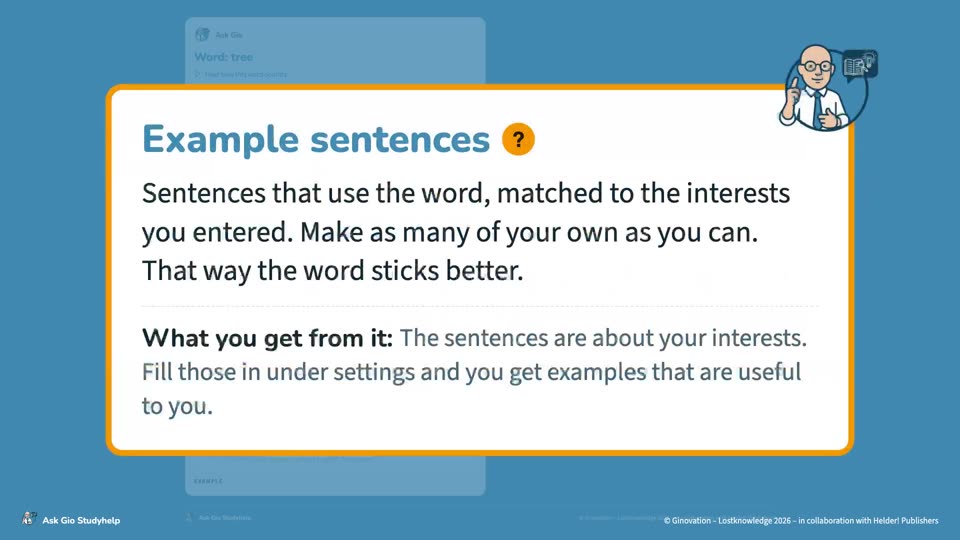
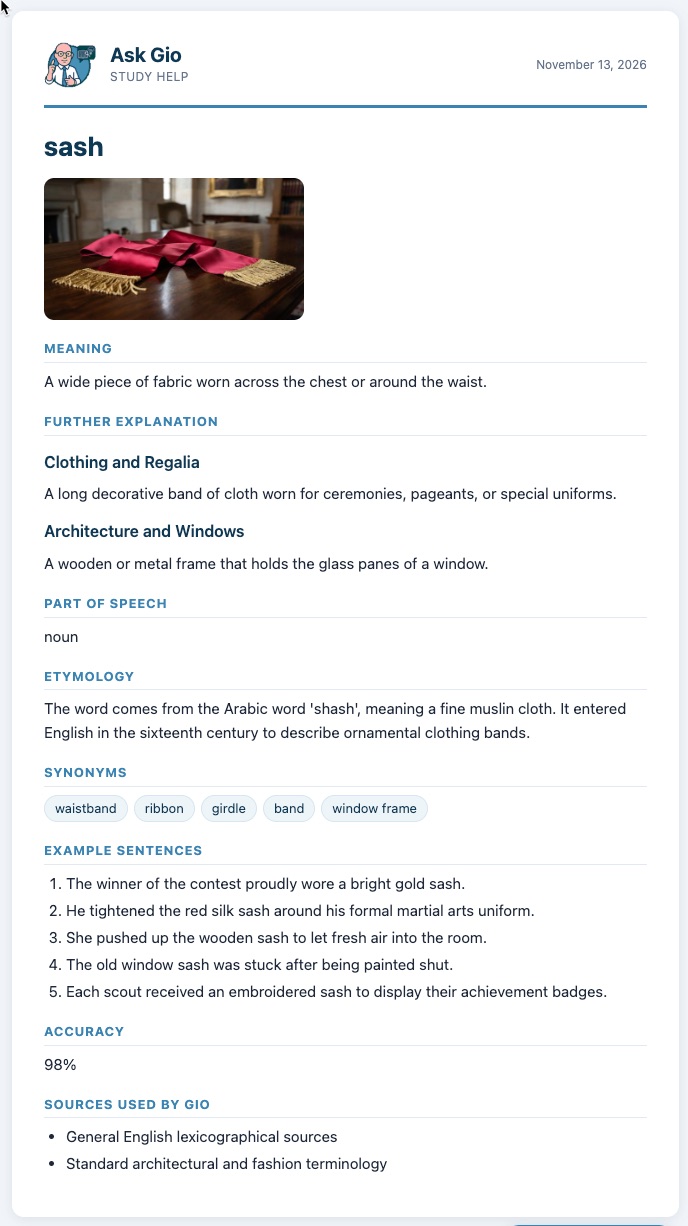
Meaning, word class, origin, synonyms, expressions and example sentences. In one answer.
Picture it
Have a picture made for a word, in five styles from cartoon and colouring page to photorealistic.
Everything read aloud
Listen instead of reading. Handy with dyslexia, or when your eyes are tired.
Whole texts made clear
Paste a tricky piece of text and choose: explain, summarise or translate.
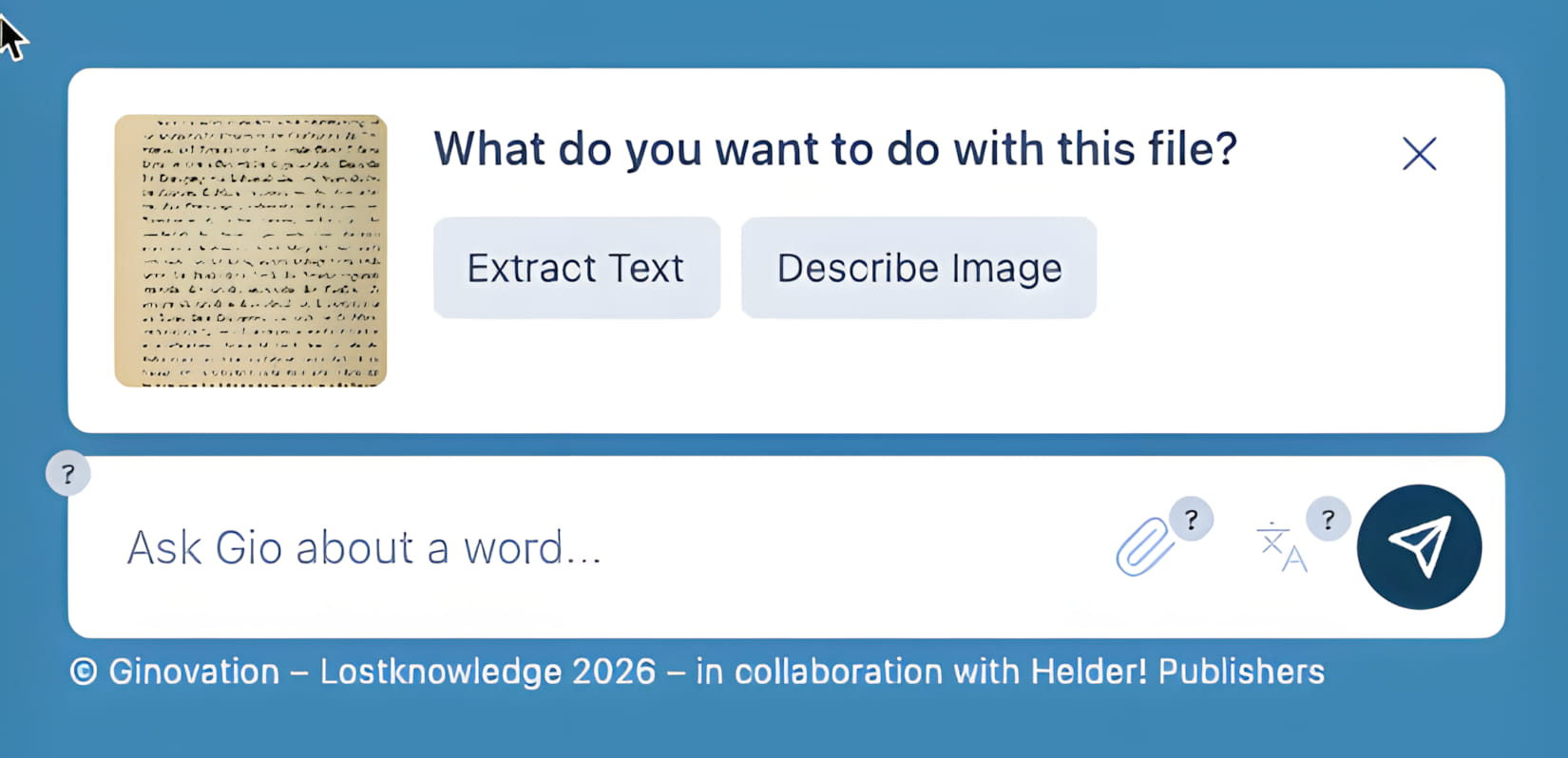
A photo of your book
Take a photo of a page and pull out the text, or photograph an object and have it described.
One answer is never the end
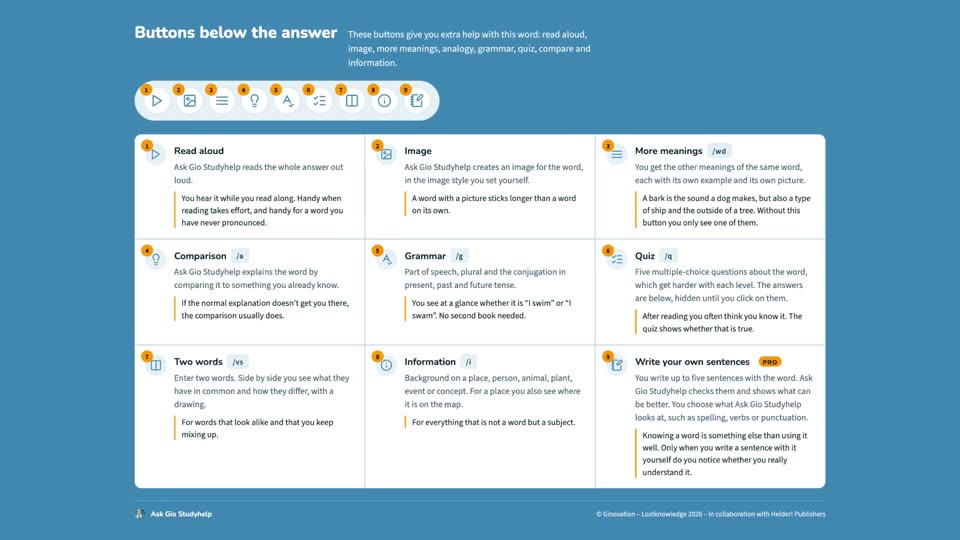
Under every answer there’s a row of buttons. Want to know more? Keep tapping until it ‘clicks’, without needing another app.

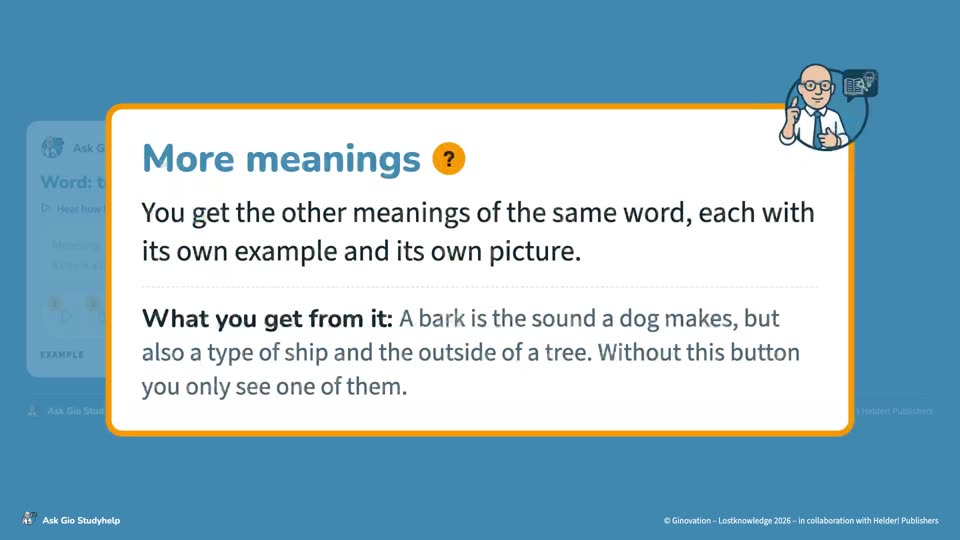
More meanings. The same word often means something quite different too.
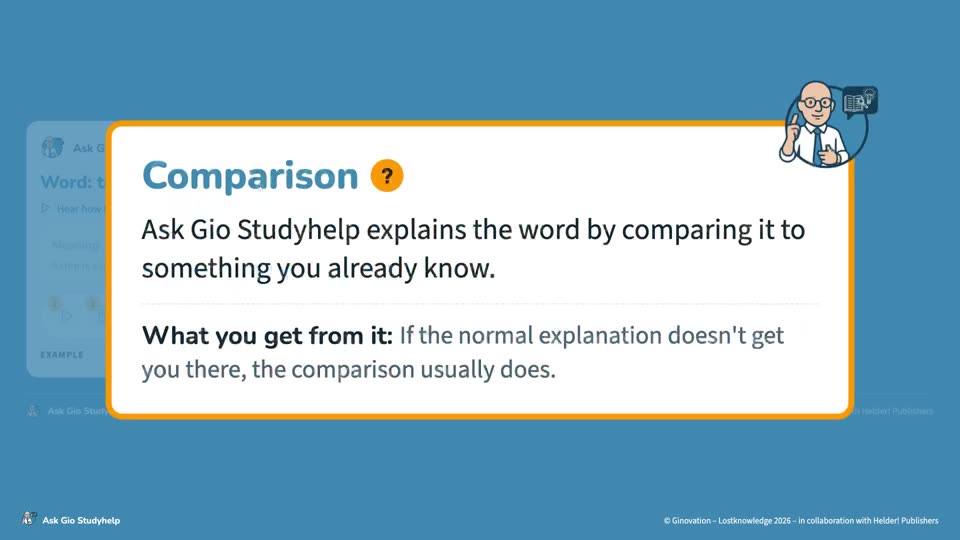
A comparison. An explanation through something you already know. Often that’s when the penny drops.
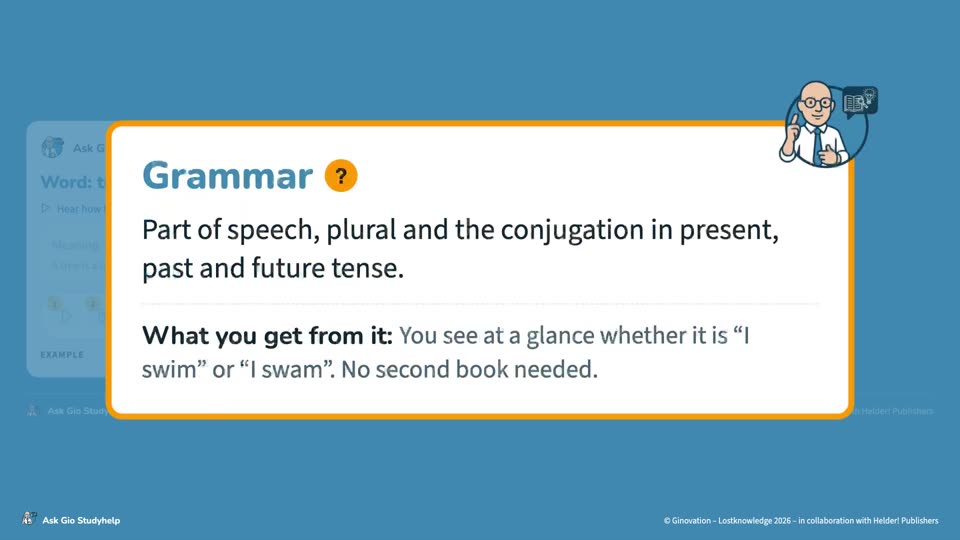
Grammar. How the word changes and how you use it in a sentence.
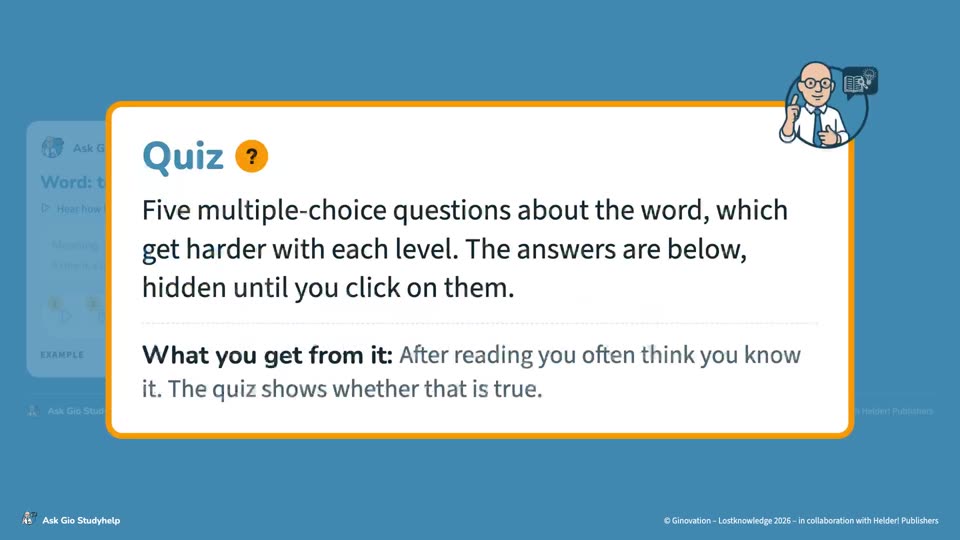
Five-question quiz. With an answer key. So you know whether it sticks.
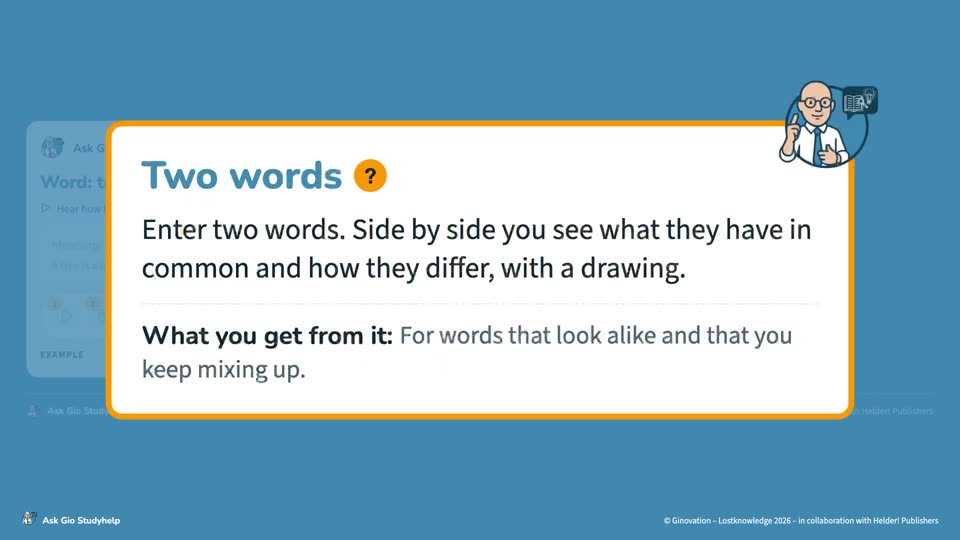
Two words side by side. What exactly is the difference? With an infographic.
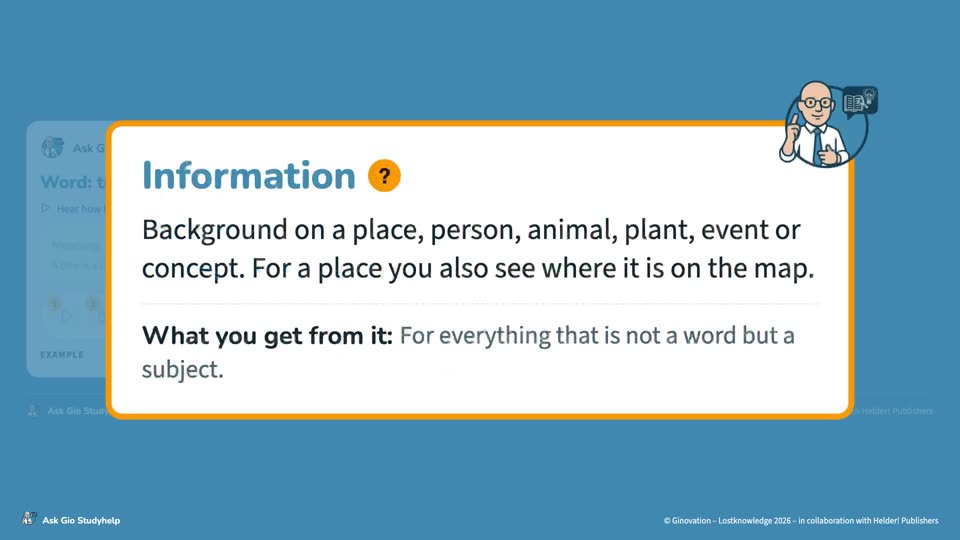
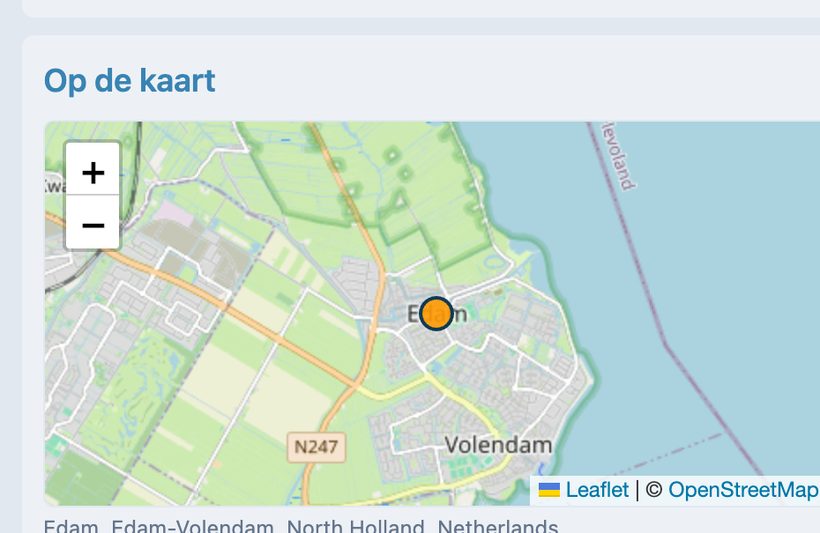
Background on a name. A place, person or event. Places are shown on the map.
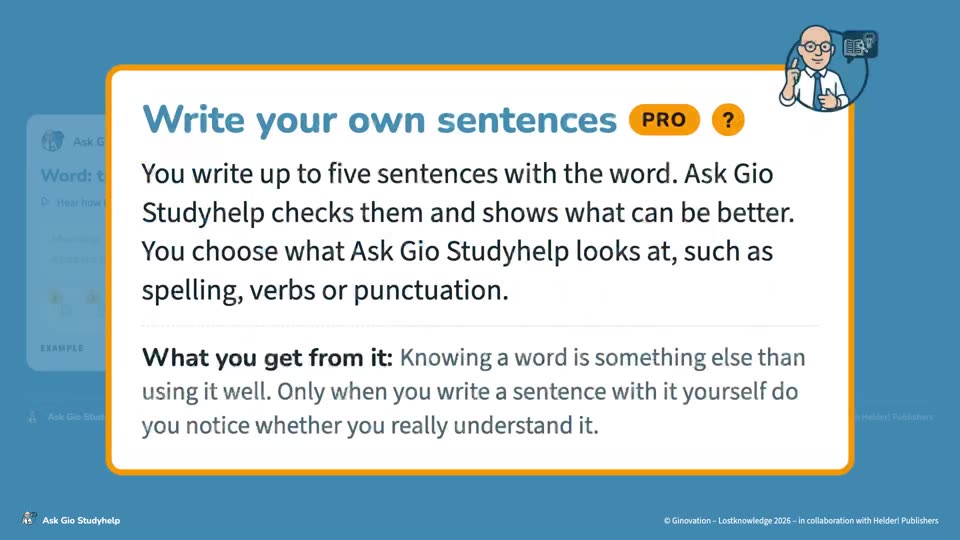
Write your own sentences
ProWrite five sentences of your own with the new word. Gio checks them and explains for each mistake what could be better. That’s how a new word really becomes yours.
THIS IS WHAT IT LOOKS LIKE
A picture with the word
A word you only read doesn’t stick for long. See a picture with it, and you remember it. You choose what it looks like. Click on a picture to see it full size.Tap a picture to see it full size.

Cartoon
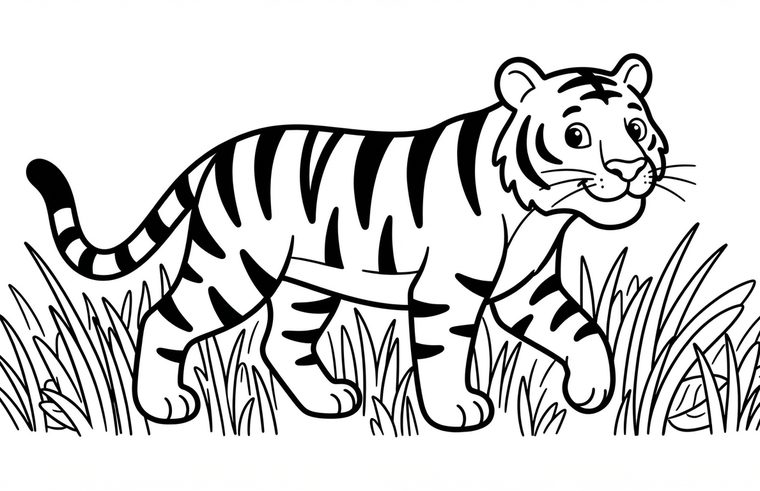
Colouring page

Film style

Painting

Photorealistic

Colouring page: print and colour in
Choose the image style ‘colouring page’, print it and let someone colour it in. A child who has coloured in a word themselves knows that word. Works at home and in the classroom.

A page in another language
You have to read something in a language you don’t read fluently. Paste the text or take a photo of the page, and the text is pulled out of the image (extracted). You get it back in your own language, or explained at the level you’ve set.
Works in all 22 languages.
Names that mean nothing to you
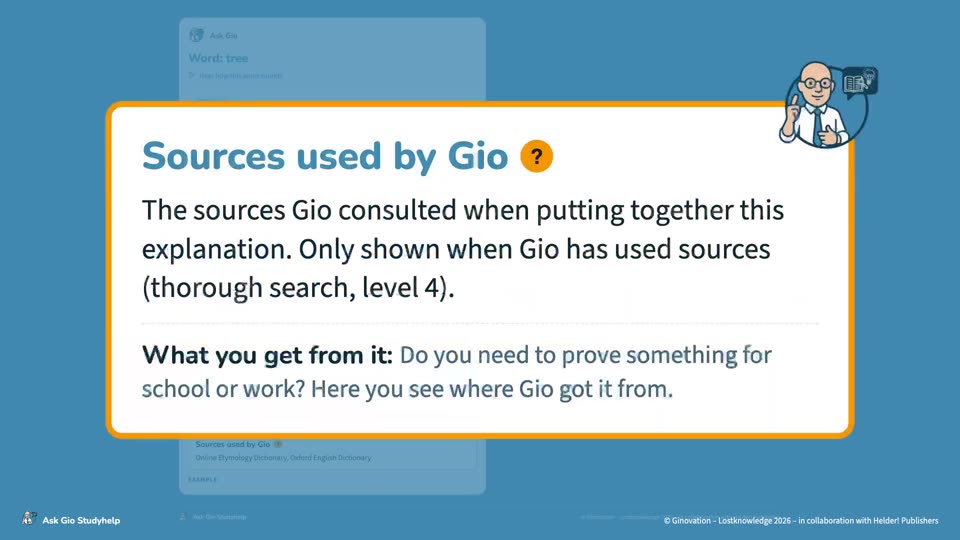
A place, a person, an event or a concept from your book. You get the background. For a place, you see on the map where it is. That location comes from OpenStreetMap, not from an AI model.
WHAT THE FIRST USERS SAY
Looking words up, and actually enjoying it
ALL FEATURES
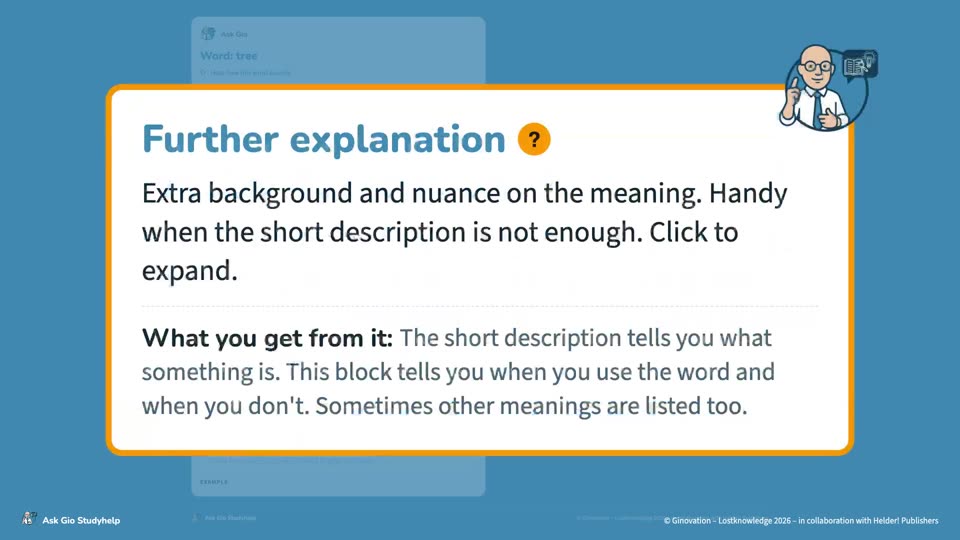
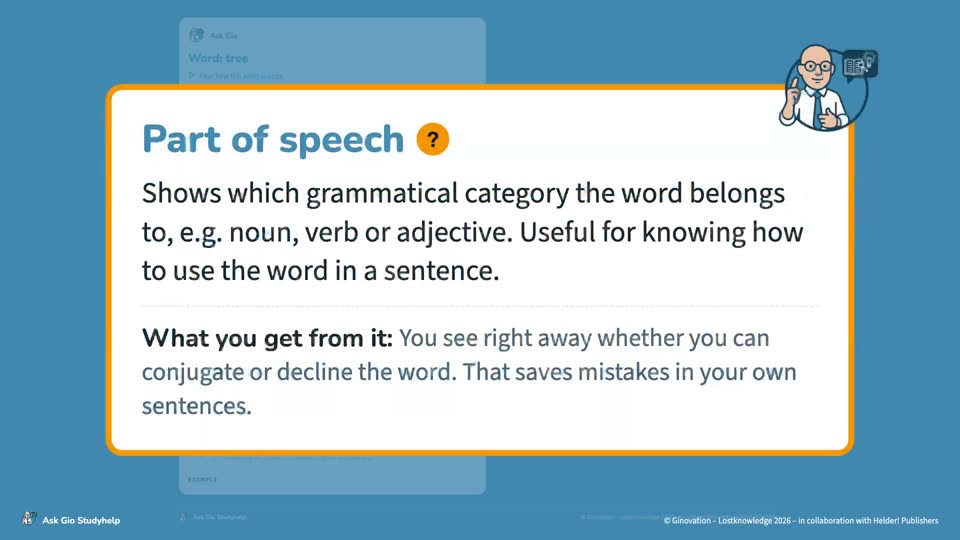
Every feature in a short video
Each one about a single feature. A few seconds, no sound. Click through the whole app before you start.
See all features with explanations
You build up your own reference library
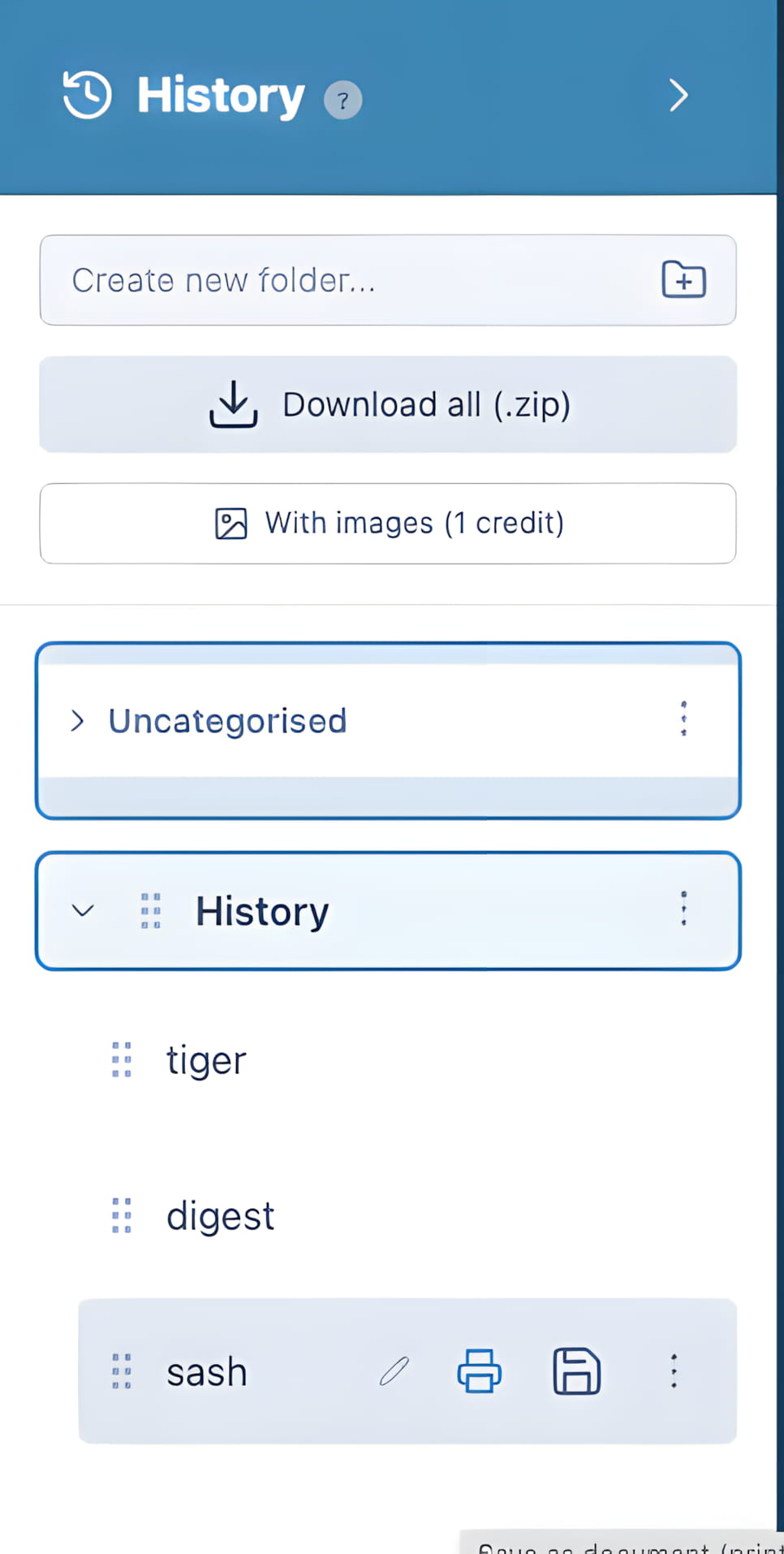
Everything you look up is saved. You sort it into your own folders: by subject, by chapter, by language. And you take it with you.
Drag words into folders. Download one word, one folder or everything. As text or as a formatted document, with or without pictures. Print it, or turn it into a PDF.
After a few weeks your own word list is ready for your test or your class.

FREE AI OR ASK GIO STUDYHELP
Why not just use a free AI chat?
A free AI chat doesn’t know who is asking, or why. It decides for itself how long and how difficult the answer will be. Ask Gio Studyhelp works differently: we’ve put fixed boundaries around it, and we keep an eye on it.

Fixed boundaries
Your level, your language and the shape of the answer are fixed. You don’t have to learn how to ask an AI something.
Checked
We and teachers keep an eye on it. Once an answer has been corrected, it stays corrected.
Safe
Your data isn’t used to train AI. Sensitive words are explained properly, at your level.
What we don’t promise. No AI is free of mistakes, ours included. But we keep the chance of mistakes very small, we notice them when they happen, and we fix them so they don’t come back.
What happens to your data
It’s all written out below. So you don’t have to hunt for it in the small print.

Your photos aren’t stored
A photo you upload is processed once and then disappears. There is no storage for it.
Your history stays on your own device
The words you look up and your folders are kept in your browser, not on our server.
It’s deleted automatically
Login records are gone after 180 days. Search data is kept without your name after a year. If you don’t use your account for two years, it disappears.
The map is simply right
That location comes from OpenStreetMap, not from an AI model. At level 4 you switch on an extra check.
Not used to train AI
We use paid connections where use for AI training isn’t allowed. Our providers have it switched off as well.
Your email address doesn’t go to the AI
Only the word or the question is sent. The AI doesn’t know who you are.
Free first. Then you choose.
Sign up now and use Ask Gio Studyhelp free for the rest of 2026. You’ll hear from us well before it ends. Nothing is ever charged quietly.
 OPEN NOW
Start for free
in 2026
Subscription
Buy extra credits
Invite a friend
Some users get an invitation from us to join the friends programme. You then get your own link. Anyone who signs up with it starts with extra credits. And there’s a bonus waiting for you too. That’s all we’re saying for now.
Want to join in too? Let us know.
What costs what
You pay per action. How long the answer is makes no difference. All amounts include VAT.
* Reading aloud uses your own device’s voice, and that’s free. If your device has no voice for your language, we create the voice with AI. That costs 10 credits, and the app asks you first. By default this only applies to Afrikaans.
** As long as your level and language stay the same. If you change them, the app fetches the word again and it costs credits.
Questions you probably have

Isn’t this just cheating?
No. Ask Gio Studyhelp doesn’t do your work for you, it explains what it says so you can do it yourself. The quizzes actually let you check whether you really understand it.
Do I need a password?
No. You enter your email address and get a sign-in link. In an installed app you get a short code to sign in with.
Can I put it on my phone?
Yes. Ask Gio Studyhelp works in the browser and can be installed on a phone, tablet and computer. There’s a step-by-step guide on the site.
What age is this for?
For any age. Ask Gio Studyhelp can be used at tutoring centres, schools and evening classes, by parents, by pupils, and by adults keeping up with their field. In short, anyone who wants to learn, study, or read and understand something. The level you choose decides the explanation, not your age.
Under sixteen? Then a parent or carer creates the account and gives permission.
What if an answer is wrong?
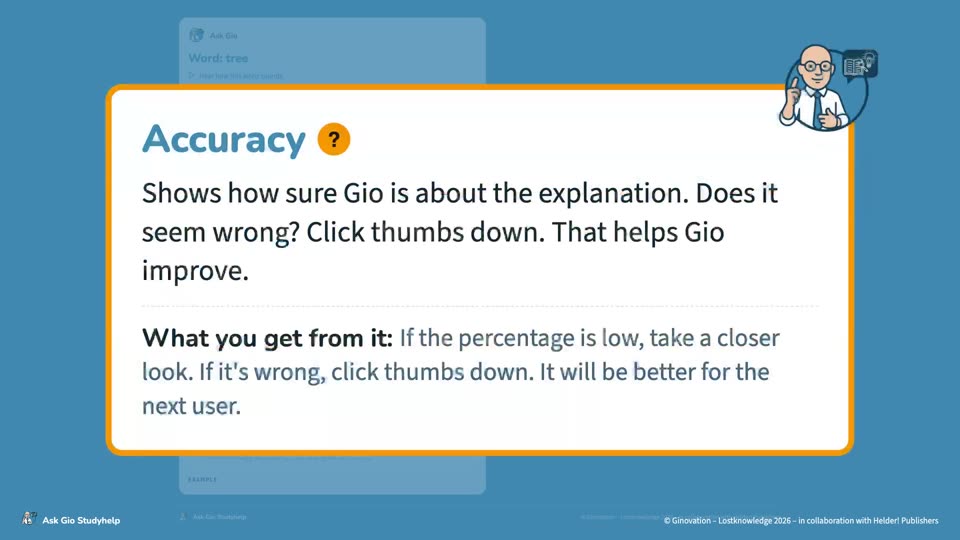
Under every answer there’s a thumbs up and a thumbs down. What you report comes in to us and gets checked. If it’s wrong, we correct it. Anyone who looks the word up after that gets the corrected answer. Locations on the map come from OpenStreetMap anyway, not from an AI model.
Why can’t I sign up from my country?
We’re opening Ask Gio Studyhelp step by step. At the moment you can start from the Netherlands, Belgium, Germany and the United Kingdom, and there’s a limited number of places. Is it full, or do you live somewhere else? Put yourself on the waiting list and we’ll let you know as soon as we open.
What happens when my free period ends?
You use Ask Gio Studyhelp free until the end of 2026. You’ll get an email well in advance. Nothing is charged automatically: you decide yourself whether to continue or stop.
Can a free account disappear?
Yes, in two cases. If you don’t sign in for 24 months, we may delete your free account. And if we suspect misuse, we may block or delete free accounts. Think of one person using a string of email addresses to keep claiming free credits.
I already use a chatbot. What does Ask Gio Studyhelp add?
A chatbot answers at its own level, and you have to explain every time how you want it. Ask Gio Studyhelp knows your level and your language, saves what you look up, and keeps you on your studies instead of in a conversation.
The full comparison is further up this page. Also read how Ask Gio Studyhelp works (PDF).
Can I use this with a whole class or team?
Yes, on request.
 Ask Gio Studyhelp
Kazernestraat 17-19, 5928 NL Venlo, the Netherlands
team@askgio.nl